
Enterprise Data Migration Cost in 2026: Benchmarks for Cost, ROI and Payback
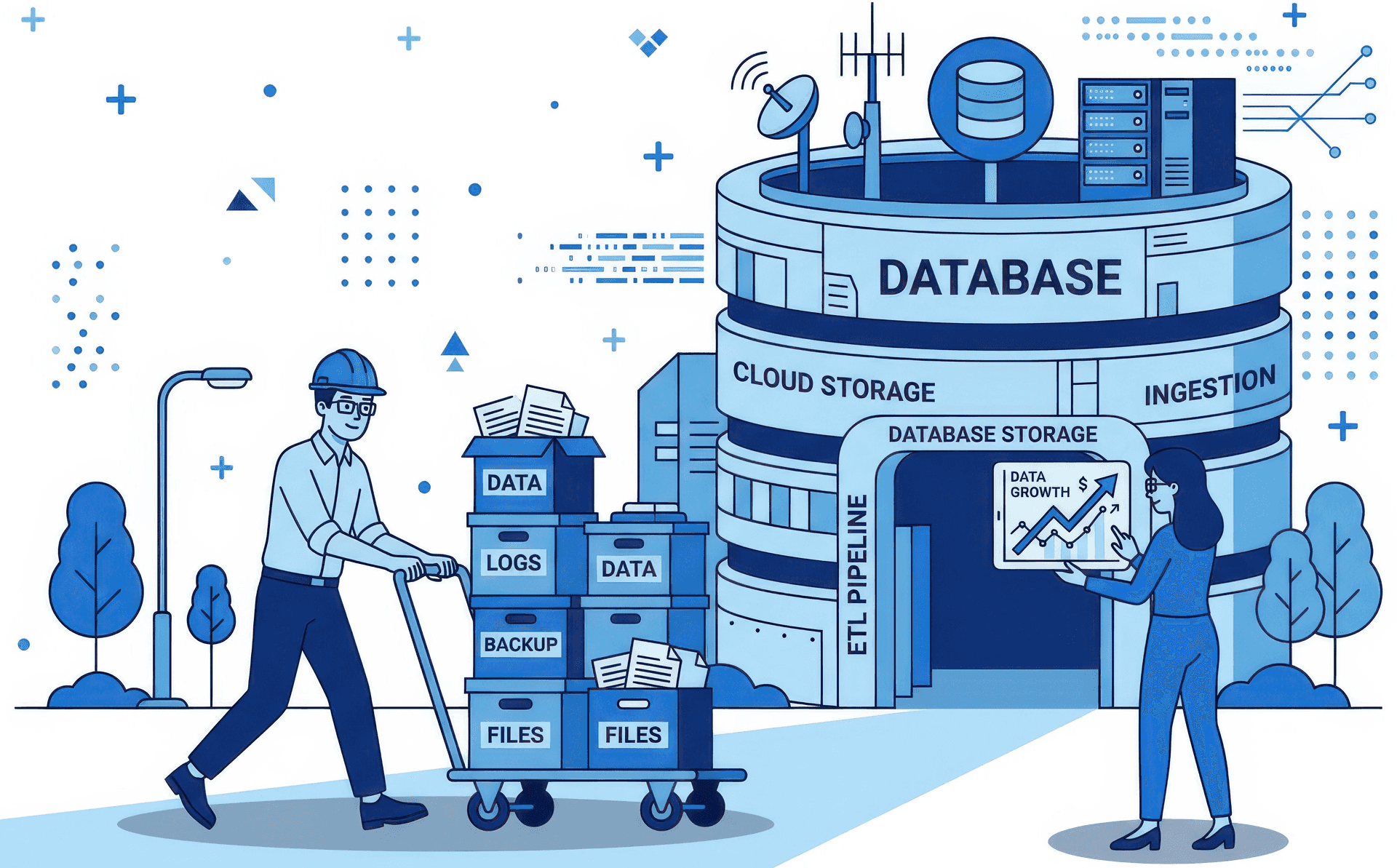
An enterprise data migration usually costs more than the first quote because the quote covers code conversion, while most of the effort sits in orchestration, reconciliation and cleanup.
This article lists every cost component, gives DataVolve benchmark ranges for cost, ROI and payback, and shows how to build a business case on your own baselines.
Why Enterprise Data Migration Costs Exceed Initial Estimates
Most migration quotes price code conversion accurately and underprice everything that happens around it. SQL, stored procedures and ETL logic are easy to count, size and estimate. Current conversion tools also handle much of that translation well, so it becomes the part of the proposal that looks most certain.
An ETL estate is more than its code. Each pipeline also has schedules, dependencies, control flow, lineage and data checks. Across hundreds of pipelines, this surrounding work often takes more effort than the code itself. It's also the work a first quote tends to leave out:
- Orchestration: Rebuilding schedules, dependencies and control flow so pipelines run in the correct order on the new platform.
- Reconciliation: Proving, row by row and metric by metric, that the new platform returns the same answers as the old one.
- Cleanup: Fixing schema drift, conflicting definitions and inconsistencies that appear once two systems run side by side.
When this work is unscoped, it turns into change requests, timeline extensions and a second budget request. The original number wasn't wrong for what it covered. It just covered the smallest part of the job.
What Costs Should an Enterprise Data Migration Budget Include?
A complete migration budget has eight components, and a quote that prices only two or three of them is incomplete. Use this list to check any proposal:
| Cost component | What it covers | Often missing from quotes? |
|---|---|---|
| Discovery and assessment | Inventory of pipelines, dependencies, data volumes and complexity | Sometimes |
| Code conversion | Translating SQL, stored procedures and ETL logic to the target platform | Rarely |
| Orchestration rebuild | Schedules, dependencies, control flow, error handling | Often |
| Data movement | Initial loads, incremental sync, historical data | Sometimes |
| Reconciliation and testing | Row, schema, metric and business-rule parity checks | Often |
| Dual running | Paying for legacy and target platforms at the same time until cutover | Often |
| Cutover and hardening | Monitoring, alerting, runbooks, performance tuning | Often |
| Decommissioning | Switching off legacy licenses, infrastructure and support contracts | Very often |
Two components deserve special attention.
Dual running is the period when you pay for both platforms. Every month a wave stays in parallel adds full cost on both sides.
Decommissioning is where most run-rate savings actually come from. Until the legacy licenses and infrastructure are switched off, the business pays for both and saves on neither.
What Drives Data Migration Cost Up or Down?
DataVolve's benchmark ranges show about 40% lower migration cost and 75–100% ROI in the first year, compared with a traditional, manually driven migration. The table explains the mechanism behind each figure, so you can test it against your own estate.
| Metric | Benchmark | Mechanism |
|---|---|---|
| Migration cost reduction | About 40% | Validation and operational hardening are automated together with code conversion, not left as follow-on work |
| Faster pipeline delivery | 60–70% | Legacy SSIS, Informatica and Oracle jobs are translated into native cloud pipelines without manual re-coding |
| Fewer post-migration incidents | About 75% | Automated data quality checks and reconciliation establish parity before go-live |
| First-year ROI | 75–100% | Return within the first 12 months |
| Payback period | 15–30% of the project timeline | Early waves start returning value while later waves are still in progress |
How to Calculate Data Migration ROI and Payback
ROI compares net gain with total investment. Payback is the point at which cumulative savings equal cumulative spend.
ROI (%) = (Total savings over the period − Total migration investment)
          ÷ Total migration investment × 100

Payback point = the month when cumulative savings ≥ cumulative migration spend
What "15–30% of the project timeline" means. On a 12-month program, that's roughly month 2 to month 4. This is the figure CFOs usually weigh most, and it's often misread. It doesn't mean the full program is paid for in month 3. It means the program reaches break-even early.
This is possible because migration runs in waves. Workloads that move early start saving compute, storage and engineering time while later waves are still in progress. The business case doesn't depend on a full go-live before anything pays back, and that dependency is the main risk that makes multi-year programs hard to approve.
To check any payback claim, ask the vendor for the month-by-month table behind it: spend per month, savings per month and the date each saving starts.
How to Estimate the Hidden Costs of Migration
The savings come from five levers: engineering overhead, compute, storage, data trust and automation coverage. Each lever has a mechanism you can check against your own estate.
1. Engineering overhead: 40–60% lower data engineering OpEx
The largest saving is usually engineering time, not infrastructure. In many legacy estates, a large share of the data team's week goes to debugging failed jobs, fixing schema drift and handling incidents. That work keeps the platform running but adds no new value.
DataVolve generates pipelines with built-in checks, lineage and CI/CD governance. It then runs them with self-healing monitoring and AI-driven anomaly resolution. The benchmark is a 40–60% reduction in engineering OpEx, as time moves from firefighting to new work.
2. Compute: 20–35% lower cloud spend
Many migrations copy legacy inefficiencies onto the new platform and pay for a separate optimization project a year later. DataVolve builds cloud-native optimizations into each generated pipeline, so the savings start with the first run. The benchmark is 20–35% lower compute spend.
3. Storage: 15–25% lower cost
Storage follows the same rule: optimize during migration, not after it. Applying partitioning, compression and retention rules as data moves gives a benchmark of 15–25% lower storage cost.
4. Data trust: semantic models from day one
This lever is the hardest to price, and it's often where the hidden cost sits. When business users don't trust the numbers on a new platform, they rebuild them in spreadsheets. Analysts lose time, decisions slow down, and leadership meetings turn into arguments about which number is correct.
DataVolve publishes semantic models (KPIs, hierarchies and definitions) to BI tools such as Power BI and SAP Business Data Cloud from the moment of cutover. Business users get certified KPIs on day one, not in a second phase.
5. Automation coverage: 50–75%, tested on your own code first
Automation coverage makes the other four levers possible, and it's the claim buyers should question most. DataVolve typically automates 50–75% of the conversion work, depending on script complexity.
You don't have to accept that figure on trust. The first pilot wave converts 4–8 real entities from your estate in 1–2 weeks, so you can check coverage on your own code before you commit to the full program.
| Lever | Benchmark | Why it matters |
|---|---|---|
| Engineering overhead | 40–60% lower OpEx | Teams move from firefighting to new work |
| Compute | 20–35% lower spend | Optimizations are built into each generated pipeline |
| Storage | 15–25% lower cost | Optimizations are applied during migration, not afterward |
| Data trust | Semantic models from cutover | KPIs, hierarchies and definitions ready for BI on day one |
| Automation coverage | 50–75% | Proven on 4–8 of your own entities in 1–2 weeks |
How to Build a Data Migration Business Case
Six factors decide where your migration lands within any benchmark range.
| Factor | Pushes cost up when… | Pushes cost down when… |
|---|---|---|
| Pipeline count and complexity | Many custom scripts, nested logic, undocumented dependencies | Standard patterns and reusable components |
| Source data quality | Duplicates, conflicting definitions, schema drift | Clean, documented, governed data |
| Data volume and history | Large historical loads that must move | History can be archived or summarized |
| Downtime tolerance | Zero-downtime cutover and long dual running | Planned cutover windows |
| Regulatory requirements | Strict audit trails, data residency, retention rules | Standard controls |
| Business change | New definitions, new teams, new reporting | Like-for-like migration first, redesign later |
This explains why benchmark ranges are wide. A 50–75% automation range reflects the real gap between simple scripts and complex ones.
How to Validate Vendor Cost and ROI Claims
Measure four baselines on your current platform, compare each with the benchmark it tests, then make every vendor prove its numbers on your estate.
| Baseline to measure | What to capture | Benchmark it tests |
|---|---|---|
| Current run-rate cost | Licensing, infrastructure, compute and storage on the legacy platform, plus projected target-cloud spend | 20–35% lower compute, 15–25% lower storage |
| Engineering hours spent firefighting | Share of the data team's week spent on failed jobs, schema drift and incidents | 40–60% lower OpEx |
| Incident frequency | Data incidents, failed loads or reconciliation breaks per month, and the rework each one causes | About 75% fewer post-migration incidents |
| Time to insight | Time from a business request for a new report or metric to its delivery | 60–70% faster delivery, semantic models from day one |
Worked example of the engineering lever (replace these figures with your own):
| Input | Example value |
|---|---|
| Data engineers | 20 |
| Fully loaded cost per engineer per year | $120,000 |
| Total team cost | $2,400,000 |
| Share of time spent firefighting | 50% |
| Annual cost of firefighting | $1,200,000 |
| Reduction at 40–60% | $480,000 to $720,000 a year returned to new work |
If firefighting takes 40% or more of your team's time, this is likely your biggest single saving.
Then ask every shortlisted vendor three questions:
- Does the quote cover orchestration, reconciliation, dual running and decommissioning, or only code conversion?
- In which month do cumulative savings exceed cumulative spend, and what is the month-by-month table behind that date?
- Will you prove automation coverage on a sample of our own pipelines before we commit to the full budget?
How reliable are data migration benchmarks?
Treat every benchmark, including these, as a hypothesis to test on your own estate, not a guarantee. Results depend on the size and complexity of the estate, source data quality, the target platform and how much business change the migration includes.
The ranges are wide for a reason. A simple, well-documented warehouse and a 15-year-old estate full of custom scripts won't land in the same place. A credible migration partner will prove its numbers on your code before it asks you to commit the full budget.
How to Start With a Migration Assessment
Start with a bounded discovery sprint that turns benchmarks into a business case based on your own numbers. DataVolve programs follow three steps before any full commitment:
- Pre-qualification (1–3 days): Scope alignment, stakeholder kickoff, a signed project charter and agreed KPIs.
- Vector Sprint (4–6 weeks): Full landscape discovery, complexity assessment and architecture decisions, ending with a go/no-go decision.
- Program planning (1–2 weeks): Wave plan, business case and migration factory readiness.
The output is a migration plan, a risk assessment and a business case that a CFO can challenge line by line.
Where is enterprise data migration going next?
Migration is moving from a code-conversion project to an automated program that proves parity and returns value wave by wave. Three changes drive this:
- Validation becomes automatic. Reconciliation runs as part of each wave, not as a manual test phase at the end.
- Payback moves earlier. Wave-based delivery lets early workloads fund later ones, so programs need less up-front commitment.
- Data trust is part of the scope. Semantic models and certified KPIs ship at cutover, so the business uses the new platform from day one.
As a result, finance teams can approve migrations based on measured evidence from their own estate instead of vendor projections.
How DataVolve addresses the hidden costs of data migration
DataVolve is Tarento's AI-assisted data migration framework. It automates the work that quotes usually leave out (orchestration, reconciliation and cleanup) together with code conversion. It moves Oracle, Teradata, SSIS and Informatica workloads to Databricks, Snowflake, SAP Business Data Cloud and Microsoft Fabric. Parity is proven before go-live and semantic models are ready at cutover, so the business case doesn't depend on a second phase.
Start your data migration businesfs case with a Tarento Vector Sprint


BizTalk to Azure Migration: How Much Can Be Automated, and What Still Needs Hand Work?